
ZED ZONE Console Commands and Item IDs
ZED ZONE console commands for 1.0: how to open the console, the four working command types, and a verified item and infected ID table.
ZED ZONE keeps a developer console in the release build. It is not a cheat menu with god mode and unlimited money; it is a command line that spawns items, characters, vehicles, and research points. For testing a build, replacing a lost quest item, or setting up a co-op session, it is useful. For a first playthrough, it will spoil the game.
Official source: ZED ZONE on Steam ↗
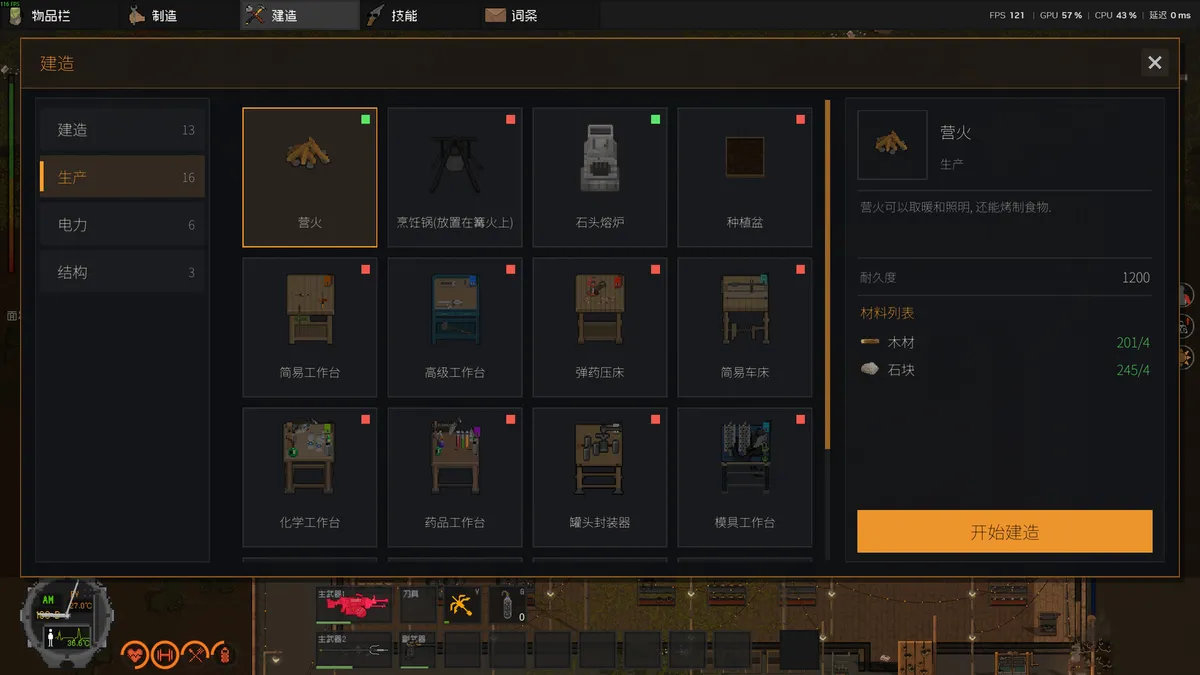
Console commands can add items that break quest flags. Close the game, duplicate the save folder, then experiment in a throwaway world.
How to open the console
Press the backtick key (`), usually directly below Escape on a US keyboard. The console overlays the game and accepts text. Type the command exactly as shown, then press Enter. Press the same key again to close it.
The console does not pause the game. Do not open it in the middle of a horde. If your keyboard layout hides the backtick, try the key to the left of 1, or switch to a US layout temporarily.
The four command types
The command names are not case-sensitive in practice, but the IDs are.
| Command | What it does | Example |
|---|---|---|
Additem <ID> |
Adds one item stack to your inventory | Additem 100 |
Addchar <ID> x <count> |
Spawns characters near you | Addchar 1x10 |
AddResearchpoint <amount> |
Adds research points | AddResearchpoint 100 |
AddVehicle <ID> |
Spawns a vehicle | AddVehicle 1 |
The Addchar syntax needs the x between the character ID and the count, with no spaces in the first example: Addchar 1x10 spawns ten common infected. A space before the count may work depending on the build, but the compact form is the one documented by the community.
There is no verified god-mode command, no verified unlimited-ammo toggle, and no verified teleport command. Videos that show one are usually using a mod, an older build, or a memory editor. This page does not list commands that cannot be reproduced.
Item IDs worth memorising
The item list has more than eight hundred entries. These are the ones that solve common problems: ammo, repair kits, medical items, tools, and a few weapons.
Ammunition
| ID | Item | Notes |
|---|---|---|
| 100 | 12 gauge shells x2 | Shotgun ammo |
| 101 | 9x19mm x5 | Pistol and SMG ammo |
| 102 | 5.56x45 NATO x8 | AR-15, ARX100, M249 |
| 103 | .22LR x4 | Cheap rifle and pistol ammo |
| 104 | 7.62x39 x6 | AK-47, MK47, RPK |
| 105 | .300 Magnum x2 | Hunting rifles |
| 106 | .50 BMG | Anti-material rifle |
| 110 | Metal disc | Railgun ammunition |
| 111 | .25 cal pellet x8 | Air guns |
| 112 | .50 cal slug x15 | Big-bore air guns |
| 120 | 40mm grenade | Grenade launchers |
| 121 | 25mm flare | Flare gun |
| 150 | Wooden arrow | Bows and crossbows |
| 151 | Metal arrow | Stronger arrows |
| 152 | Explosive arrow | Area damage |
Tools and repair
| ID | Item | Notes |
|---|---|---|
| 0 | Wood | Building material |
| 21 | Log fire tool | Fire starter |
| 50 | Lock picker | Opens locked doors |
| 52 | Screwdriver | Disassembly |
| 53 | Firearm repair kit | Restores gun durability |
| 55 | Vehicle repair kit | Restores vehicle parts |
| 56 | Item repair kit | Recharges repair kits |
| 92 | Wide-angle flashlight | Light |
| 93 | Lighting stick | Light |
| 97 | Grapple | PDA movement skill item |
| 1302 | Gas mask | Radiation protection |
Medical and consumables
| ID | Item | Notes |
|---|---|---|
| 200 | Cola | Thirst and sugar |
| 204 | Meat | Cook before eating |
| 210 | SPAM | Shelf-stable food |
| 221 | First aid kit | Full heal |
| 222 | Painkiller | Pain and injury |
| 223 | Blood bag | Blood loss |
| 224 | Bandage | Wound treatment |
| 226 / 250 | Red dose | Skill vial |
| 251 | Blue dose | Skill vial |
| 270 | Stamina potion | Short burst |
| 271 | Health potion | Healing |
| 272 | Strength potion | Carry and melee |
| 273 | Antitoxic potion | Poison cure |
Weapons and gear
| ID | Item | Notes |
|---|---|---|
| 312 | Fire axe | 88 damage, tool and weapon |
| 330 | Katana | Base katana entry |
| 400 | Remington 870 | 12 gauge pump shotgun |
| 402 | MP5-K | 9mm SMG |
| 403 | AR-15 | 5.56 rifle |
| 406 | S&W 929 | 9mm revolver |
| 431 | Ruger M77 | .300 Magnum bolt rifle |
| 441 | Winchester Model 70 | .300 Magnum hunting rifle |
| 450 | Compound bow | Quiet hunting bow |
| 460 | Double-barrel shotgun | Two-shell panic button |
| 465 | Railgun | Metal disc launcher |
| 503 | Big outdoor backpack | Large capacity pack |
| 600 | Frag grenade | Throwable |
| 601 | Molotov | Fire throwable |
| 1104 / 1105 | Small / big fuel container | Vehicle fuel |
Character IDs
Addchar uses a separate ID space. These are the confirmed entries:
| ID | Character |
|---|---|
| 1 | Common infected |
| 2 | Heavily infected |
| 4 | Spitter |
| 5 | Botanic infected |
| 6 | Infected |
| 7 | Blaster |
| 10 | Crawler |
| 40 | Splitter |
| 50 | T-variant |
| 100 | Breaker |
| 110 | Boomer |
| 120 | Screamer |
| 300 | Combat mech |
| 101 | Deer |
Spawning a Breaker next to your base is a quick way to lose a run. Spawning ten common infected is a controlled noise test. Spawning a deer is harmless unless you are hunting for meat and the shot pulls the block.
Vehicle IDs
AddVehicle exists, but the public ID list is incomplete. The safest method is to stand on a road, save first, and test one ID at a time. If the command fails, nothing spawns; if it succeeds, the vehicle appears near you and may arrive damaged. Repair it with a vehicle repair kit before you drive.
How to use the console without ruining a save
- Back up the save folder first. The path is covered in the save location guide→.
- Use a throwaway world for testing. Spawning a railgun in your story world changes the difficulty curve permanently.
- Do not spawn quest items you have not reached. Access devices and boss keys can break event flags if the game expects the boss to set them.
- Record what you spawned. If a bug appears later, you need to know whether the console caused it.
- Disable mods before reporting a bug. The console and mods can conflict; the official bug reports are more useful with a clean save.
Co-op and the console
The console works in a hosted co-op world, but the host's save is the one that changes. If a guest spawns items, those items exist in the host's world. This is why public room codes and console-enabled sessions are a bad mix. If you are hosting randoms, use a fresh world and do not share the room code outside your group.
The multiplayer guide→ covers room codes, relay fallback, and the current display bug where the code field does not render digits.
Item IDs change
The item list is a data table, not a stable API. A patch can renumber entries, rename a variant, or split a stack. If an ID spawns the wrong item, the game has moved the table; use the item name in the crafting menu and the community list as a cross-check. The IDs above are the ones documented for the current build and are the most stable set.
FAQ
Does the console disable achievements?
The game does not expose a verified achievement list, so there is nothing to disable. The console does change the save, and it can skip progression flags.
Is there a god mode command?
No verified one. Commands that look like god mode in videos are usually mods or memory editors.
Can I use the console in co-op?
Yes, but the host's world is the one that changes. Guests should not spawn items into a world they do not own.
Why does Additem do nothing?
Check the ID, the case of the command, and whether your inventory has space. A full inventory rejects the spawn silently in some builds.
Sources
- ZED ZONE Community console guide ↗ — command syntax and item IDs.
- ZED ZONE store page ↗ — current build.
- ZED ZONE news hub ↗ — patch changes that can shift IDs.
- ZED ZONE on SteamDB ↗ — build history.
More ZED ZONE Guides
ZED ZONE boss guide: the three Area Guardians, the Supreme Intelligence's three phases, the Giant Mutant Lizard, and the gear each fight demands.
ZED ZONE crafting in 1.0: the eight workbenches, the material chain, ammo press recipes, repair kits, and the order to unlock each station.
A ZED ZONE enemies guide: every infected type, the mechs and war machines, the Giant Mutant Lizard, and the tactics that actually work against each.
ZED ZONE Far Island guide: how to repair the boat, the ten new areas, the railway power loop, and a route that reaches Area 61 without wasting trips.
ZED ZONE farming in 1.0: planting pots, twelve crops, watering and fertilizer, mushroom caves, and the recipes that make a farm worth the space.
ZED ZONE food and cooking: clean water, the campfire and hob, meal buffs, preservation, food poisoning, and the best meals before a boss.
A practical ZED ZONE 1.0 guide: what changed, which route to take first, and the systems that decide whether your run survives week one.
How to play ZED ZONE in 1.0: the full keyboard map, mode selection, save rules, and the first-hour route that gets a new survivor to a stable base.