
How to Play ZED ZONE: Controls and Modes
How to play ZED ZONE in 1.0: the full keyboard map, mode selection, save rules, and the first-hour route that gets a new survivor to a stable base.
ZED ZONE does not hold your hand for long. The 1.0 build added a tutorial around the spawn point, but it teaches the interface, not the survival loop. This page covers the two things a new player needs before the first night: what every key does, and which mode and save rules you are actually signing up for.
Official source: ZED ZONE on Steam ↗
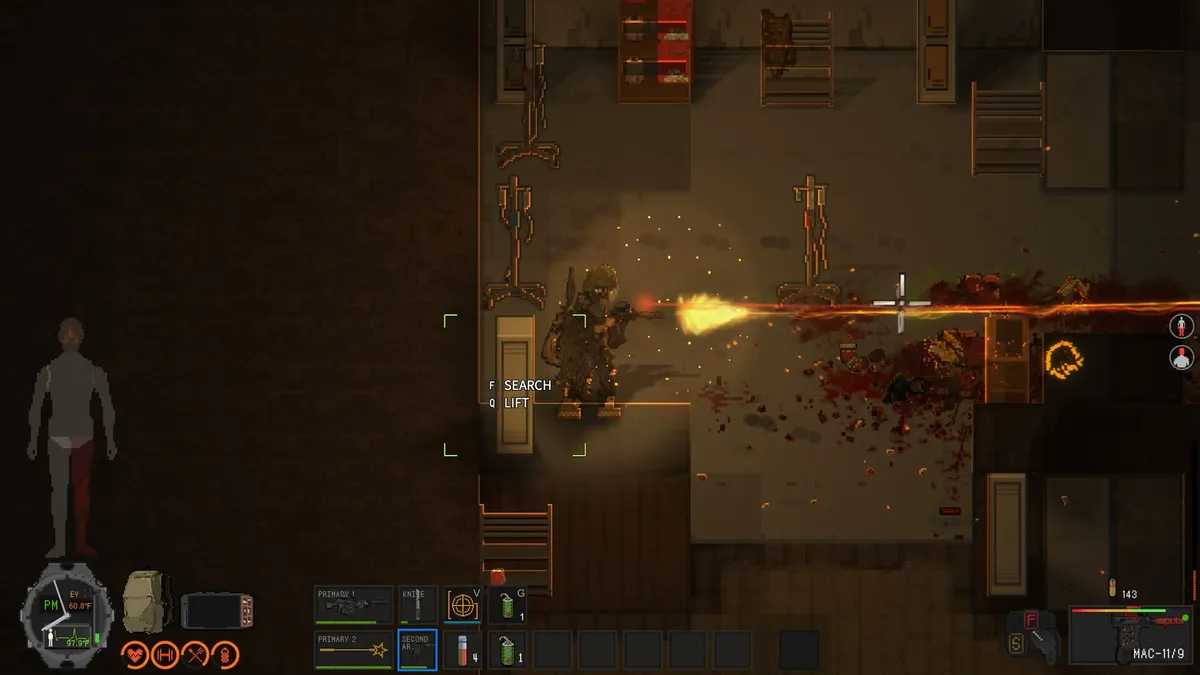
Set dodge, vault, and interact to keys you can hit while moving. The default layout is workable, but a comfortable vault key prevents most doorway deaths.
The default keyboard map
Controls are not rebindable in the current build, so learn them as they are. The list below is the in-game default; controller support is full for menus, but keyboard and mouse remain the precise option for aiming.
| Action | Key | Action | Key |
|---|---|---|---|
| Move | WASD | Map | M |
| Roll / dodge | Space | Flashlight | L |
| Sprint | Left Shift | Stealth | Ctrl |
| Attack | Left mouse | Skill | V |
| Aim (ranged) | Right mouse | Throwable | G |
| Inventory | Tab | Holster | H |
| Primary 1 | 1 | Quick save | F5 |
| Primary 2 | 2 | Execution (QTE) | X |
| Secondary | 3 | Interact 1 | E |
| Hotkeys | 4–0 | Interact 2 | F |
| Crafting | C | Interact 3 | Q |
| Building | B | Interact 4 | Z |
| Skill tree | PDA | Console | ` |
Three controls deserve a paragraph of their own.
Interact is split across E, F, Q, and Z. E is the generic pickup and use key. F searches containers, corpses, and vehicle parts. Q lifts or moves objects, and it is also the key that opens a window and vaults through it in the 1.0.5 interaction pass. Z is the context action for cooking and other station prompts. If a container will not open, try F before you assume it is locked.
Rolling is a direction, not a button. Space rolls in the direction you are moving. Standing still and pressing Space gives you a short hop that will not clear a Breaker's swing. Sprint into low obstacles or open windows to vault them.
The PDA is the real menu. M opens the map, but the PDA also holds the character summary and the stat point tab. The map shows discovered points of interest, your vehicles, player-built markers, and foggy orange areas that are irradiated or toxic. When you are underground, the PDA switches to the current level's layout, stairs, and exits.
Starting a world: mode selection
The mode select is not cosmetic. Each mode changes the death rule and the score:
- Standard is the default story mode. Death returns you to your last save. Save often; a quick save before a boss room is the difference between a retry and a long walk.
- Cataclysm unlocks after you clear Standard. Death respawns you where you fell, but the mode scores you on consecutive days survived. Every five days brings a horde night; every seven days spawns a calamity-tier enemy that must be killed inside a time limit. It is a score chase, not a harder story.
- Horde is the separate defense mode. You protect a trader's RV camp against waves, get an airdrop after each wave, and rest every five waves. The default win is twenty waves, with an endless option. Experience, attributes, and skills carry between Horde runs, which makes it a legitimate way to test builds.
- Co-op is a hosting option, not a separate difficulty. The host's world is the save; guests bring their own character. Up to eight players are supported in Standard, but Horde caps at four.
If you are unsure, start on Standard. Cataclysm assumes you already know the map, the enemy audio cues, and how to fight without a full ammo pouch.
The first hour
The tutorial spawn is safer than the rest of the island, but it is not a base. Move through these steps in order:
- Loot the helicopter and the immediate buildings. Take cloth, batteries, empty bottles, canned food, and any melee weapon. Do not weigh yourself down with low-value scrap yet.
- Find water. A bottle plus a rain barrel or a sink is the priority. Drinking untreated water can make you sick; boil it at a fire or a cooking hob before you drink.
- Craft a stone axe or take a crowbar. Both are quiet, repairable, and good enough for common infected. Save gun ammo for the first special infected.
- Clear a small house. Check for a bed, a door that closes, and a fire place. A house with a fenced yard is better than a tent in the open.
- Sleep to save. In Standard, a bed gives you a respawn point. The 1.0 character/world split means your character keeps its backpack and skills when you load a different world, but the world state stays with its own save.
- Spend your first vials. You get them by rendering mutant tissue and special infected flesh. Pick one weapon path and one survival path; spreading points across all three trees leaves you mediocre at everything.
The beginner guide→ turns this into a full first-week plan.
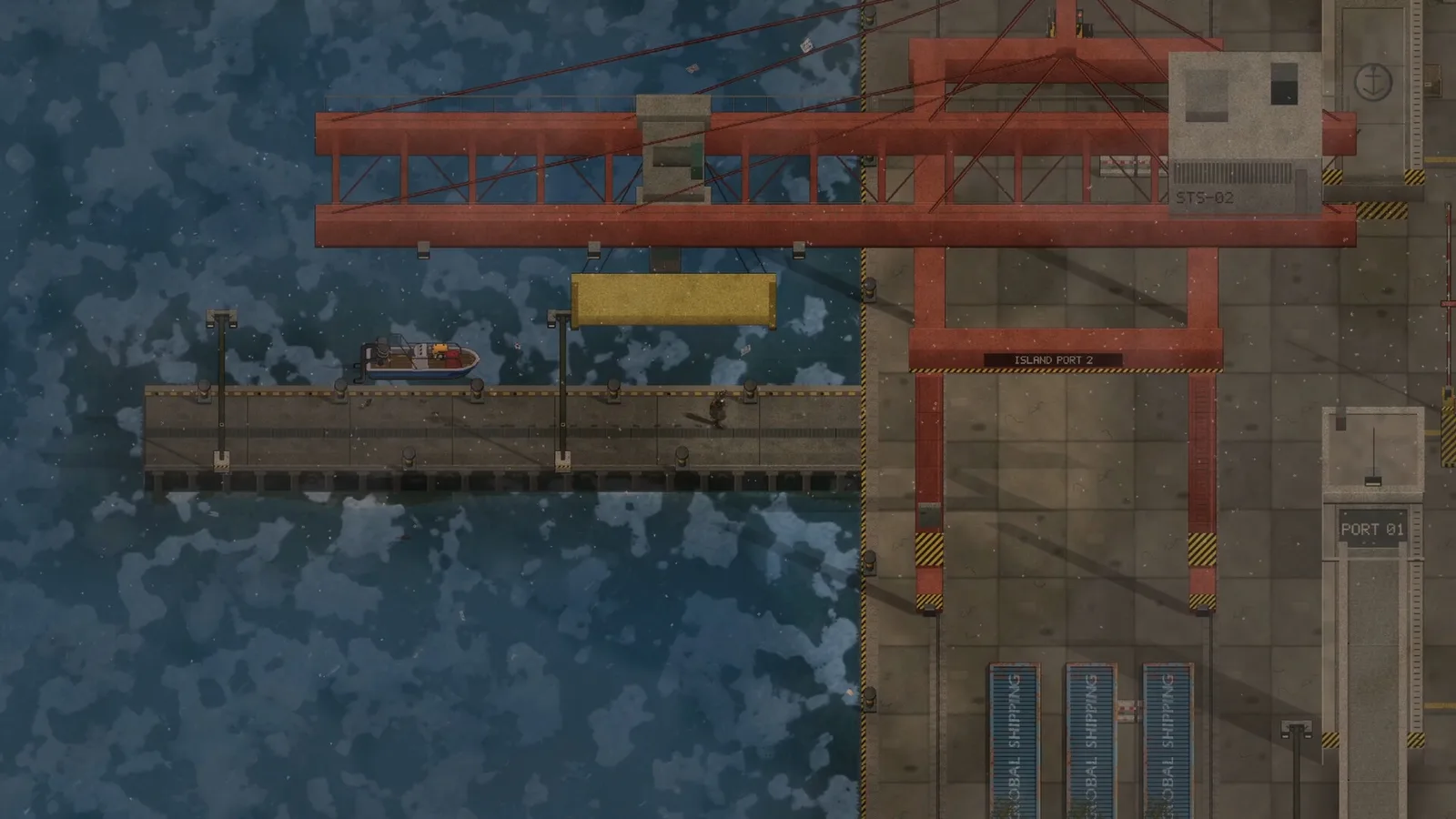
Reading the HUD
The bottom-left dial is your body: pulse, temperature, and stamina. The coloured bars above it are health, stamina, hunger, and thirst. The bottom-centre slots are your two primaries, secondary, melee, throwable, and quick-use items. The right side shows the selected weapon, ammo count, and fire mode.
The top-right minimap is not a full map. It shows your immediate surroundings, but quest markers, vehicles, and irradiated zones live in the PDA. Before you travel, open M and put a waypoint on the destination; the 1.0 build added map waypoints, and they persist.
The noise meter matters more than the health bar in a crowded area. A rifle shot is loud enough to pull a building; a suppressed shot is quieter but not silent. If you see a dormant horde on the ground, do not walk through it. Noise or an attack wakes the whole pile, and the PDA marks it once it is active.
Inventory, weight and gear
Your backpack is a grid, not a weightless list. Heavy items take slots and slow you down. The exoskeleton is the exception: when powered, it does not count against carry weight and adds armour capacity. Without power, it is a heavy shell.
Keep a minimal kit on the hotbar: one quiet weapon, one loud weapon, a melee tool, bandages, water, and a throwable. Leave the crafting materials in a base chest unless you are deliberately hauling them. The backpack guide→ explains the size tiers; the weapons list→ explains the ammo families.
Saving, dying and reloading
Standard saves on sleep, on quick save (F5), and at some story transitions. Dying returns you to the last save, not to the title screen. That means you can lose an hour of looting if you skip a bed. The game does not autosave before every room.
Cataclysm is different: you respawn where you died, but the score is the number of consecutive days you survive. If you are chasing the leaderboard, a death resets the streak even though you keep playing.
Co-op saves belong to the host. Guests keep their character progress, but the world's doors, bosses, and access devices are the host's state. If the host rolls back a save, guests can lose progress earned in that session. The multiplayer guide→ covers the current room-code display bug and the relay fallback.
Controls on a controller
The 1.0 build supports controllers across the full menu stack, including the crafting panel and the virtual keyboard for text. Aiming with a stick is workable for melee and shotguns, but precise headshots with a rifle are easier with a mouse. If you play on a Steam Deck, expect to spend time in the controller layout and to use the touchscreen for room codes.
FAQ
Can I rebind keys?
Not in the current build. The default map is fixed; controller layouts can be adjusted through Steam Input.
What is the difference between Standard and Cataclysm?
Standard returns you to your last save on death. Cataclysm respawns you in place and scores consecutive days, with horde nights every five days and a calamity enemy every seven.
Does co-op progress carry back to single-player?
Your character does, including the backpack, gear, and skills. The world does not; each save has its own map state. The host owns the co-op world.
How do I open the console?
Press the backtick key (`), usually below Escape. The console is covered in the console commands guide→.
Sources
- ZED ZONE store page ↗ — modes, controller support, release facts.
- ZED ZONE news hub ↗ — tutorial, save split, 1.0.5 interaction changes.
- ZED ZONE Community guides ↗ — default key binds and early-game notes.
- ZED ZONE on SteamDB ↗ — build history.
More ZED ZONE Guides
ZED ZONE boss guide: the three Area Guardians, the Supreme Intelligence's three phases, the Giant Mutant Lizard, and the gear each fight demands.
ZED ZONE console commands for 1.0: how to open the console, the four working command types, and a verified item and infected ID table.
ZED ZONE crafting in 1.0: the eight workbenches, the material chain, ammo press recipes, repair kits, and the order to unlock each station.
A ZED ZONE enemies guide: every infected type, the mechs and war machines, the Giant Mutant Lizard, and the tactics that actually work against each.
ZED ZONE Far Island guide: how to repair the boat, the ten new areas, the railway power loop, and a route that reaches Area 61 without wasting trips.
ZED ZONE farming in 1.0: planting pots, twelve crops, watering and fertilizer, mushroom caves, and the recipes that make a farm worth the space.
ZED ZONE food and cooking: clean water, the campfire and hob, meal buffs, preservation, food poisoning, and the best meals before a boss.
A practical ZED ZONE 1.0 guide: what changed, which route to take first, and the systems that decide whether your run survives week one.